Gmail
Gmail for Mobile Devices

Introduction
No matter what type of mobile device you use, it's easy to send and receive Gmail messages on the go . In this lesson, we'll show you how to set up Gmail with the native email app on your device. We'll also talk about using the official Gmail app for iPhone and Android.
Gmail for mobile devices
If you have a mobile device, there are two main ways to access your Gmail account:
- Option 1 : The native email app on your device. If you have multiple email accounts through different email providers (such as a personal email and a work email), you may find the native email application to be more convenient because it allows you to view and manage all of your messages in one place.
- Option 2 : The official Gmail mobile app , available for iOS and Android . If you're already an experienced Gmail user, you may prefer using the official Gmail app. The app looks and feels similar to the desktop version, and it includes some custom Gmail features that may not be available in the native email app on your device.
To set up Gmail with the native email app:
In this example, we'll explain how to sync a Gmail account with the Mail app for iOS devices, including the iPhone and iPad. Keep in mind that this process may vary depending on your device.
-
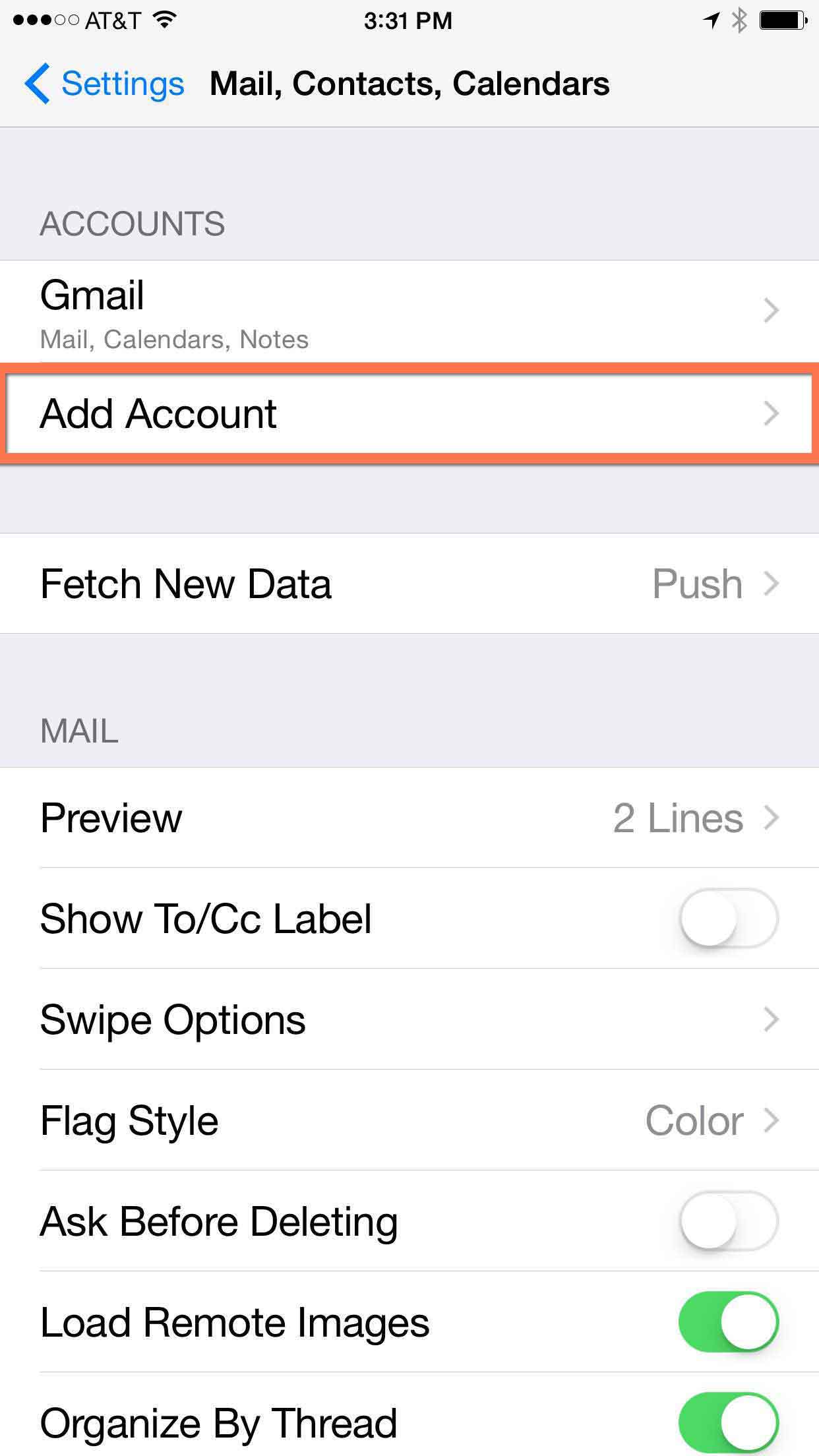
Navigate to the
email settings
on your device, then select
Add Account
.
-
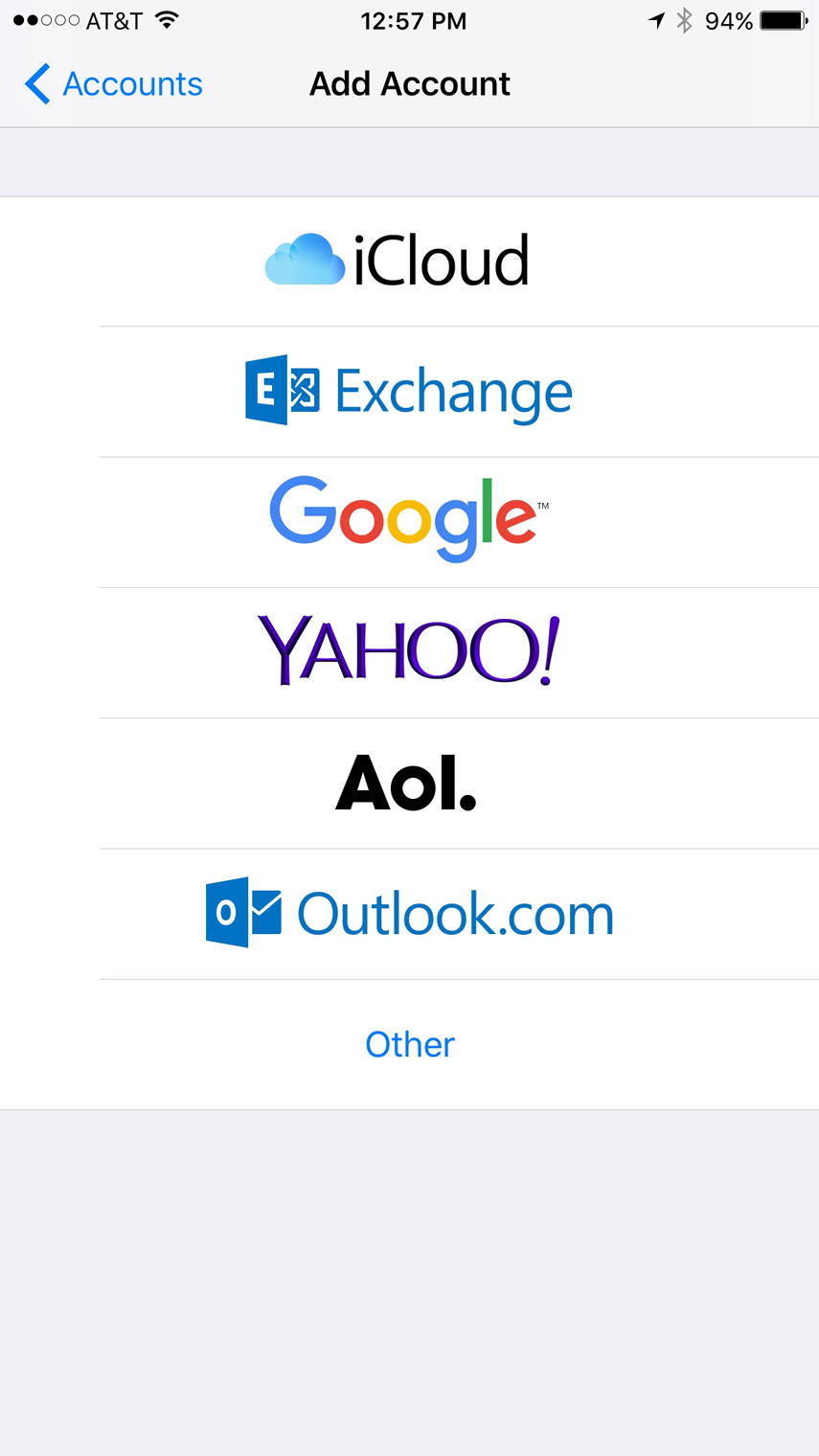
Select
Google
.
- Follow the instructions to connect your account.
-
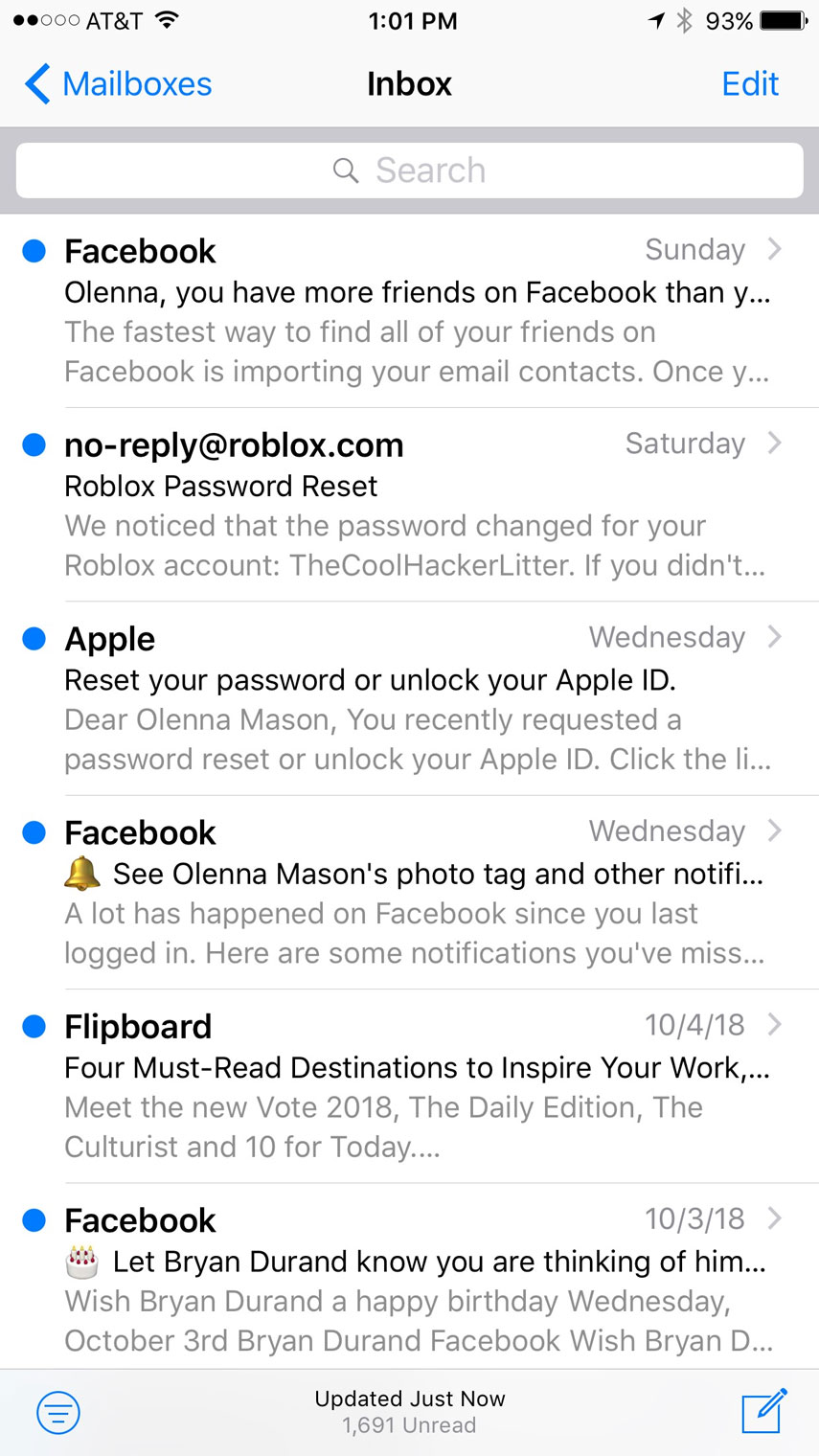
When you're done, you'll be able to send and receive emails from your Gmail account in the Mail app.
Using the Gmail app
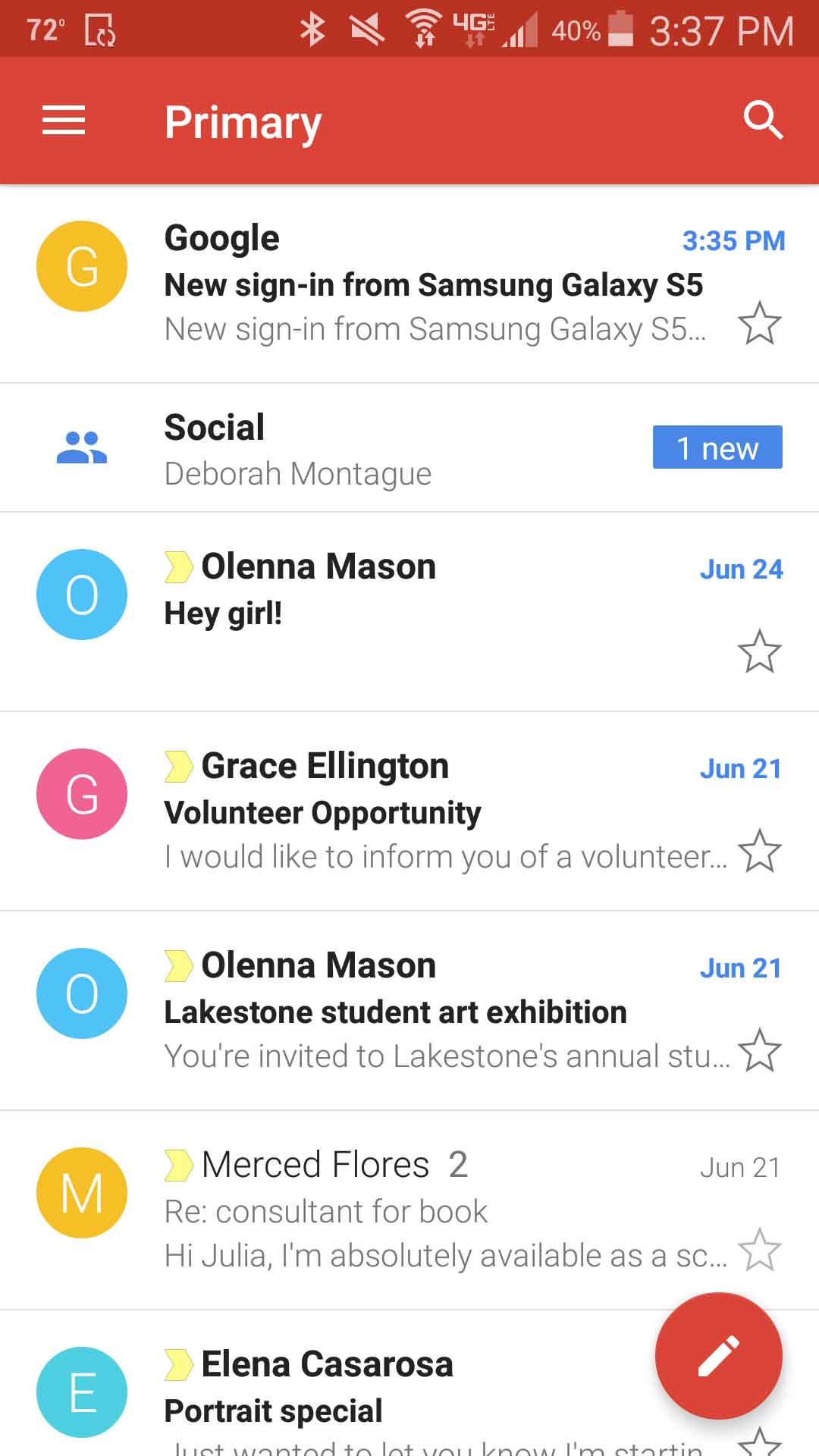
We'd like to give you a quick overview of Gmail for Android and Gmail for iPhone . While the interface for these apps is somewhat different, you'll notice that each app gives you access to the same basic features.
Gmail for Android
Click the buttons in the interactive below to learn more about using Gmail for Android.
Gmail for iPhone
Click the buttons in the interactive below to learn more about using Gmail for iPhone.
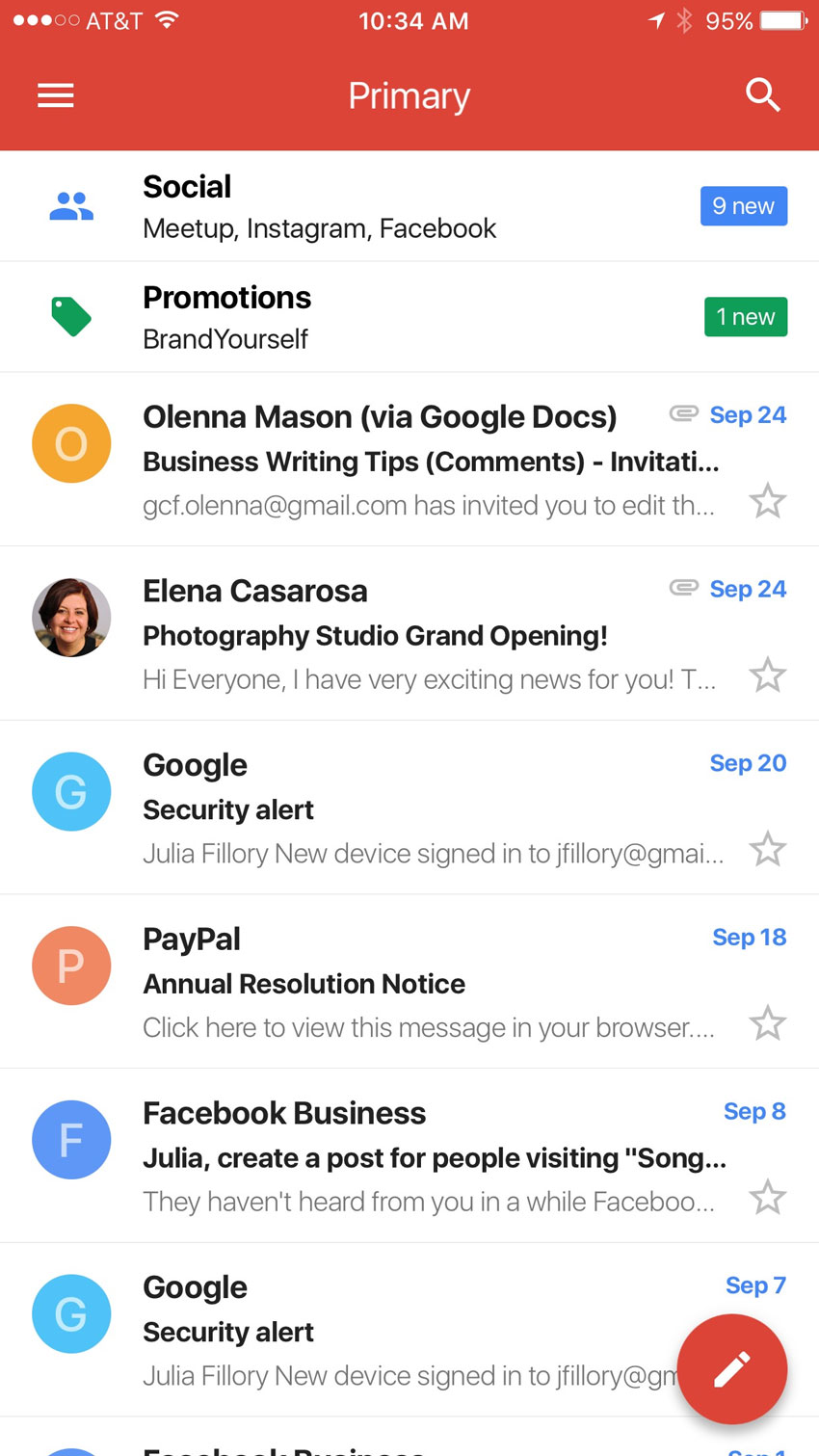
Remember, if you're using the native email app on your phone, it will look different from the official Gmail apps above. You can review our lessons on using the iOS Mail app in our iPhone Basics and iPad Basics tutorials to learn more.
Challenge!
- Open Gmail on your mobile device using either the native email app or the official Gmail app. If you're using the native email app, add your account if you haven't already.
- Compose an email, and send it to yourself.
- Open, then delete , the email you just sent.
- Try switching between your inbox folder and your trash folder.