PowerPoint 2016
Reviewing Presentations

Introduction
Before delivering your presentation, you might ask someone else to review it and give you feedback on your slides. You might even work with a collaborator to create a presentation together. If you were revising a hard copy, you could add comments in the margins or compare your rough and final drafts side by side. You can do these things in PowerPoint using the Comments and Compare features.
Optional: Download our practice presentation .
Watch the video below to learn more about PowerPoint's reviewing features.
Commenting on presentations
When revising or collaborating on a presentation, you might want to make notes or suggestions without actually changing the slide. Leaving a comment allows you to take note of something without altering the slide itself. Comments can be added and read by the original author or any other reviewers.
To add a comment:
-
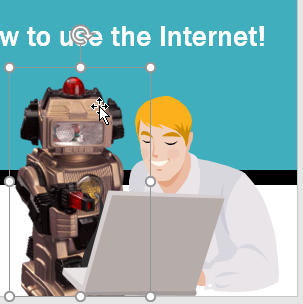
Select the
text or object
(or click the area
of the slide) where you want the comment to appear.
-
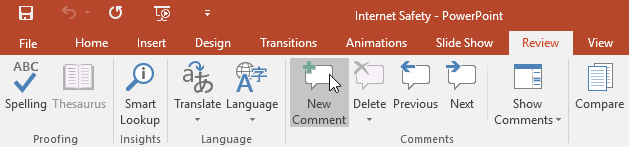
Go to the
Review
tab, then click the
New Comment
command.
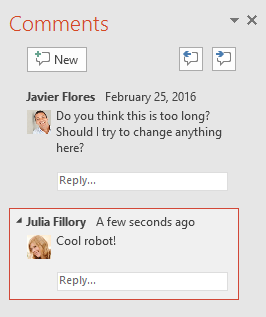
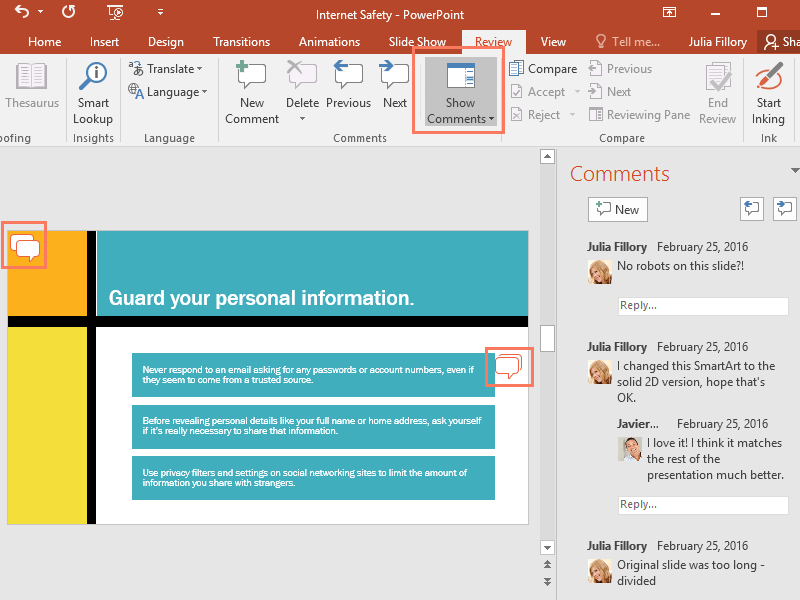
- The Comments pane will appear. In our example, it contains an existing comment by another review ( Javier ), plus a space for your comment.
-
Type your comment in the
box
, then press
Enter
or click anywhere outside the box to save the comment.
-
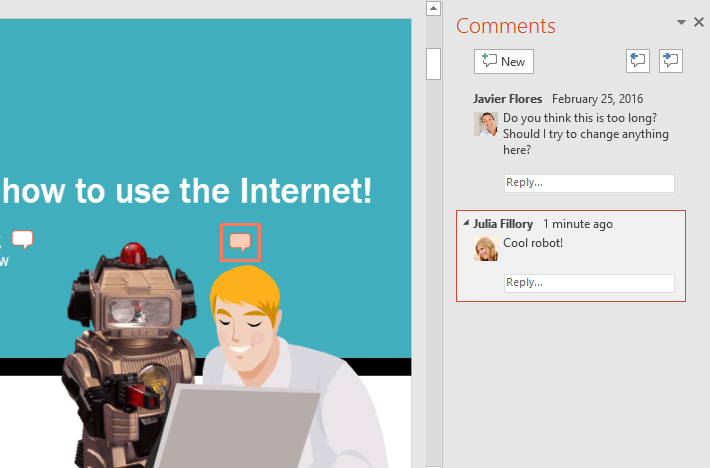
The comment will be represented by a small
icon
on the slide.
Viewing comments
You can view or reply to any comment—including other reviewers' comments—by returning to the Comments pane. Simply click a comment icon on the slide, or click the Show Comments command on the Review tab.
To edit a comment:
-
In the
Comments
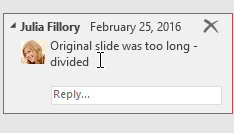
pane, select the comment you want to edit.
-
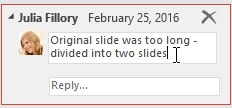
Type your desired changes, then press
Enter
or click anywhere outside the comment box. Your changes will be applied.
To reply to a comment:
-
In the
Comments
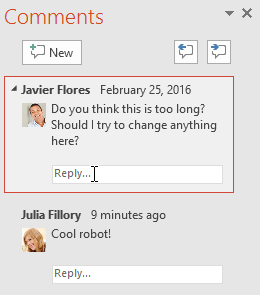
pane, click
Reply
below the comment you want to respond to.
-
Type your response, then press
Enter
or click anywhere outside the box. Your comment will appear below the original comment, and an additional
icon
will be added to the slide.

Deleting comments
-
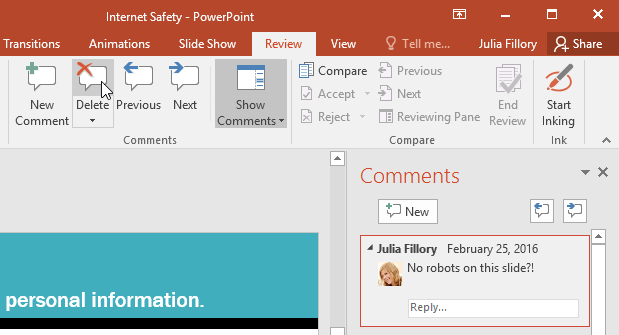
To
delete a comment
, select the comment you want to
delete
, then go to the
Review
tab and click the
Delete
command.
-
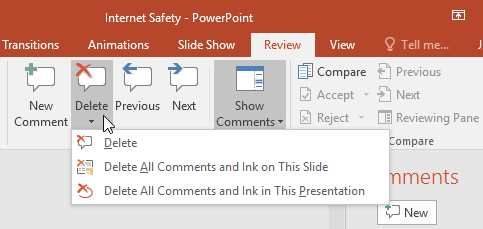
To delete
multiple comments
, click the
drop-down arrow
below the
Delete
command. You can delete comments from your current slide or from the entire presentation.
Comparing presentations
There are situations in which you might end up with more than one version of the same presentation. For instance, you could create multiple drafts, or a collaborator or coworker could save their own unique copy.
You can easily compare and combine multiple versions using PowerPoint's Compare feature. This allows you to see the differences between two versions of the same presentation, so you can decide which changes to include in the final version.
To compare two presentations:
In this example, we'll be comparing two versions of the Internet Safety for Everyone presentation. To follow along, you'll need the original practice presentation ( powerpoint2016_reviewing_practice ), plus a version that's been slightly altered : internet safety - tim's edits .
- Open one version of the presentation you want to compare. In this example, we'll start with powerpoint2016_reviewing_practice .
-
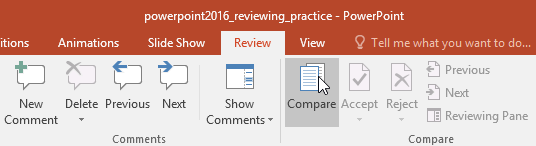
From the
Review
tab, select the
Compare
command.
-
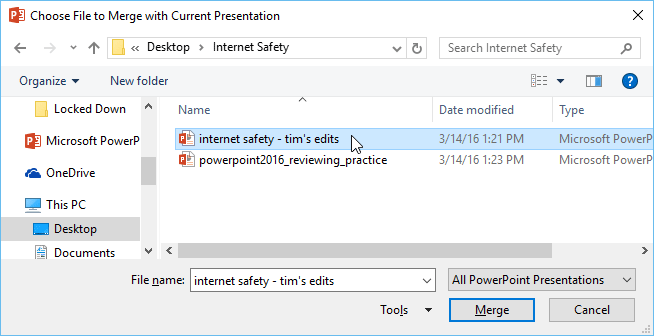
A dialog box will appear. Select the
second version
of the presentation you want to compare, then click
Merge
. In this example, we'll choose
i
nternet safety - tim's edits
.
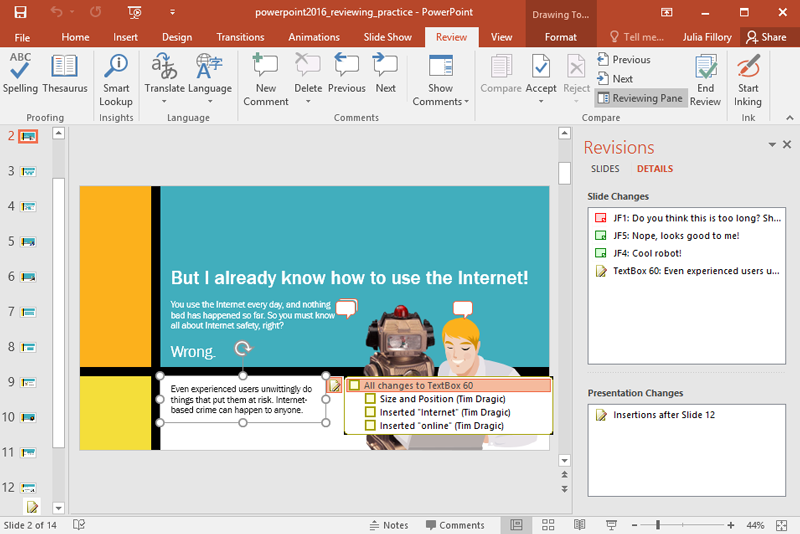
- The Revisions pane will appear, allowing you to compare the two presentations.
Click the buttons in the interactive below to learn how to review changes using the Compare feature.
Heading
Challenge!
-
Download our original practice presentation ( powerpoint2016_reviewing_practice ) and a slightly altered version ( internet safety - tim's edits ). If you already downloaded our practice files, be sure to download fresh copies.
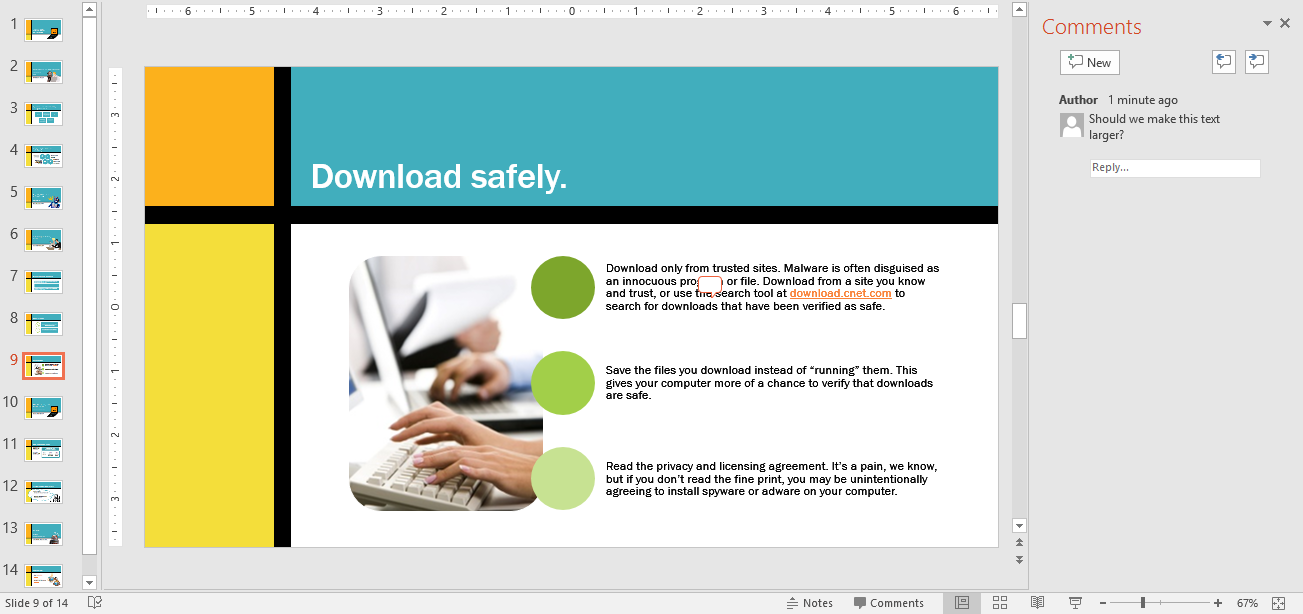
- Open powerpoint2016_reviewing_practice . On slide 9, add a comment somewhere on the slide that says Should we make this text larger?
-
When you're finished, slide 9 should look something like this:
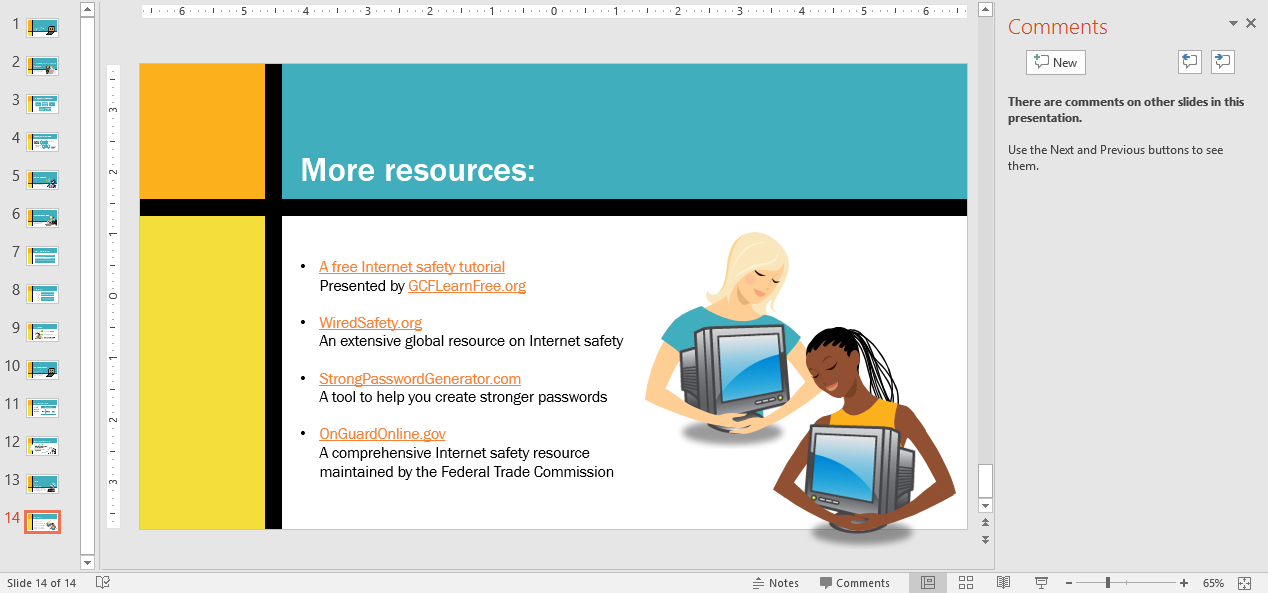
- On the last slide, delete the comment.
-
When you're finished, the last slide should look something like this:
- Use the Compare command to compare the original to the slightly altered version ( internet safety - tim's edits ).
- Choose the Accept command and Accept All Changes to the Presentation .